Blog

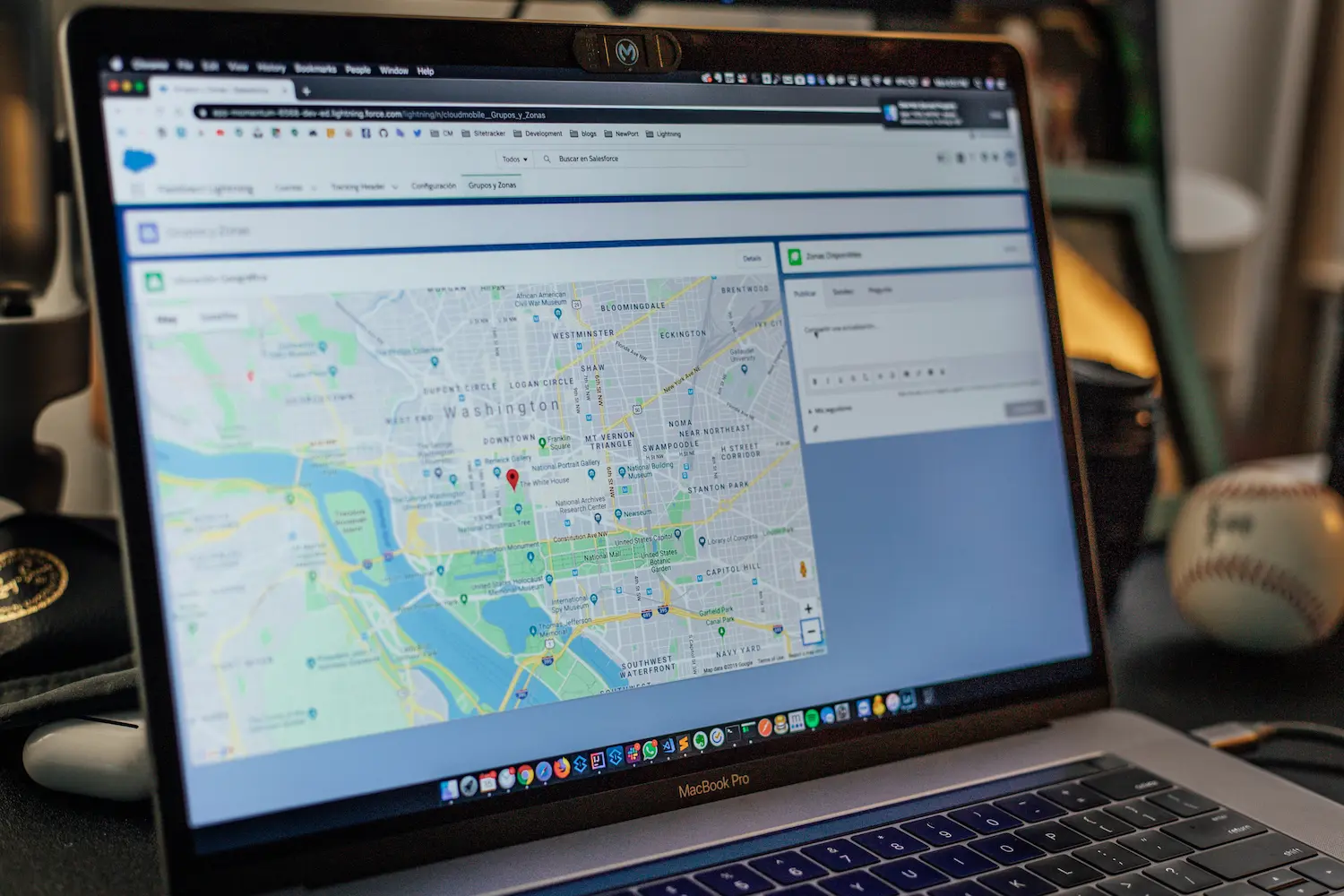
Imagine a hungry customer searching for the best restaurant near them. If your restaurant does not appear on Google Maps, you could miss an opportunity to attract a new customer. For restaurant owners, having a strong online presence is essential for improving local visibility, building trust, and generating more visits.
Listing your restaurant on Google Maps helps customers discover your location, explore your menu, check operating hours, and read reviews before visiting. The good news is that you can get started with a free Google Business Profile.
In this guide, we will explain how to get your restaurant on Google Maps, optimize your listing, and use a local SEO strategy for restaurants to attract more diners.
Google Maps helps connect restaurants with customers searching for nearby dining options. An optimized listing can make it easier for potential customers to find your restaurant and learn what makes your business special.
Here are some key benefits:
Maintaining a strong online presence across search engines, websites, and digital channels can further help customers discover your restaurant and learn about your offerings.
Follow these steps to create or claim your restaurant listing.
Visit Google Business Profile and sign in with your Google account. Select the option to add your business and follow the instructions.
Enter your restaurant's name and select the most appropriate business category, such as Italian restaurant, Mexican restaurant, or cafe.
If your restaurant already appears on Google Maps, check whether you can claim the existing listing instead of creating a duplicate.
Provide complete and consistent business details, including:
Accurate information helps customers plan their visits and reduces confusion. Update your profile whenever your hours, location, or contact details change.
Google requires eligible businesses to verify their profiles. The verification method depends on Google's available options for your business.
Follow the instructions provided in your account to complete verification. Once verified, you can manage your restaurant's information and other profile features.
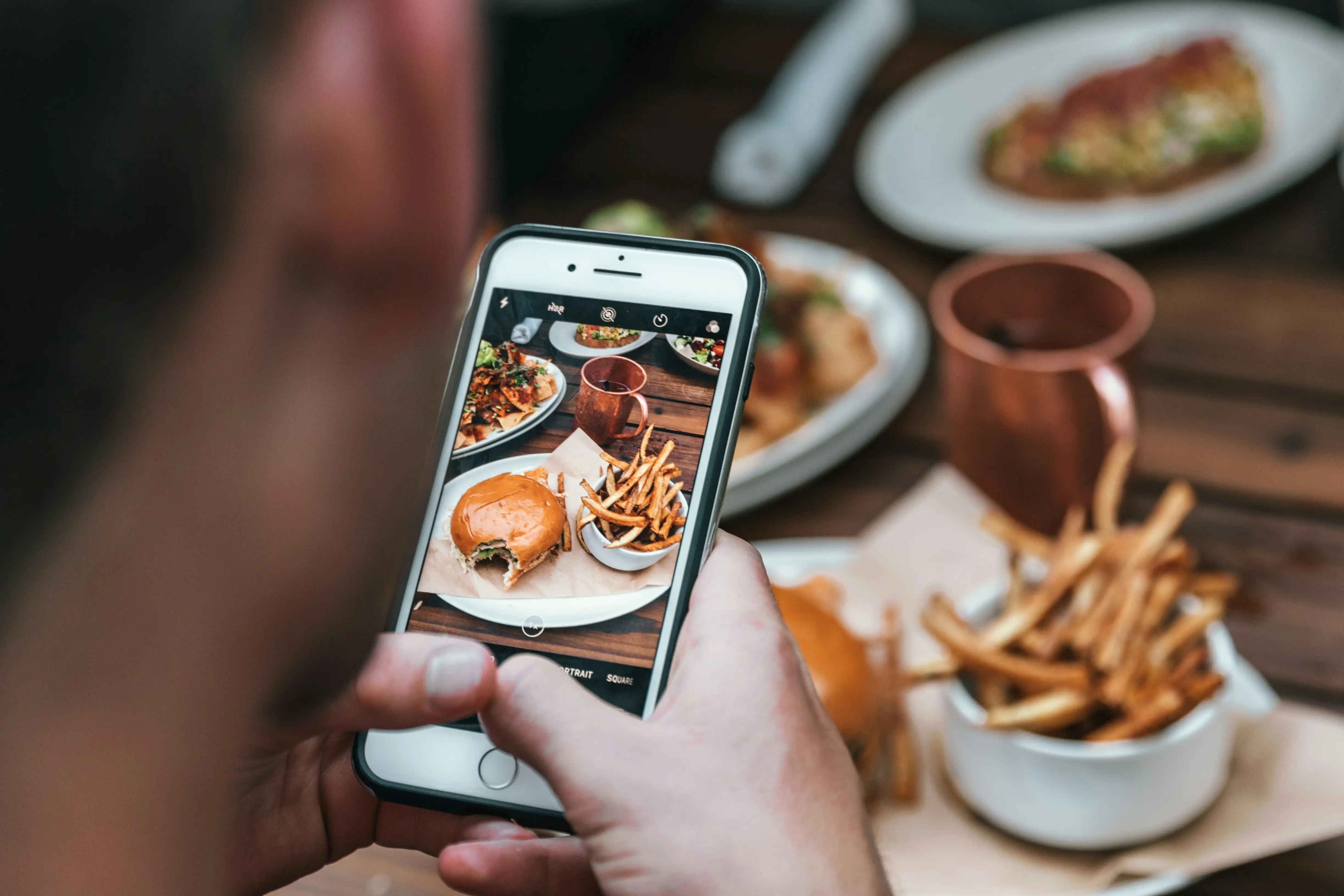
Visuals can influence where customers decide to eat. Upload clear, authentic images that showcase your restaurant's atmosphere and food.
Consider adding:
Keep your images current and representative of the actual restaurant. High-quality photos can help customers understand what to expect before arriving.
Make it easy for customers to explore your offerings before visiting. Add your menu, food descriptions, and prices where supported.
If your restaurant accepts reservations or online orders, connect the relevant options when available. These details reduce friction and help turn online searches into potential bookings and orders.
Creating a profile is only the beginning. Google Maps optimization for restaurants involves maintaining accurate information and giving customers useful reasons to choose your business.
A comprehensive digital marketing strategy can complement these efforts by helping your restaurant build a consistent brand presence across relevant online channels.
Select the most accurate primary category for your restaurant. Add relevant secondary categories when they genuinely describe your business. Avoid selecting unrelated categories simply to attract more searches.
Reviews influence customer confidence and help people compare restaurants. Encourage satisfied diners to share honest feedback without offering incentives in exchange for positive reviews.
Respond professionally to both positive and negative reviews. Thank customers for their feedback and address concerns constructively.
Regularly check your business hours, menu, contact information, and photos. Share relevant updates or special offers through available profile features.
A well-maintained listing gives potential customers more reliable information when deciding where to dine.
You can also strengthen your local business visibility through consistent social media content. Sharing relevant updates, promotions, and engaging content can help your restaurant remain visible to potential customers across digital channels.
Keep your restaurant's name, address, and phone number consistent across your website and relevant online directories. Consistency helps customers identify the correct business and supports a reliable local SEO presence.
Avoid these common mistakes when managing your restaurant's online presence:
Avoiding these issues helps create a more trustworthy and useful restaurant profile.
Getting your restaurant on Google Maps is an important step toward building a stronger local online presence. By creating a verified Google Business Profile, adding accurate information, showcasing your menu, and managing customer reviews, you can make it easier for diners to discover your restaurant.
However, simply creating a listing is not enough. Consistent updates and an effective local SEO strategy for restaurants can help strengthen your visibility and support long-term growth.
At Arrival Point Marketing, we help businesses strengthen their digital presence through strategic marketing, SEO, and website optimization. Contact our team to explore how your restaurant can improve online visibility and connect with more potential customers.
Yes. Creating or claiming an eligible Google Business Profile is free. You can manage your restaurant's information on Google Search and Maps without paying a listing fee.
The timeline varies depending on verification and Google's processing. Complete the required verification steps and check your profile for updates.
Yes. A website is not required to create a Google Business Profile, provided your restaurant meets Google's eligibility requirements.
Maintain accurate business details, select relevant categories, encourage genuine reviews, upload quality photos, and keep your profile updated. Local visibility also depends on relevance, distance, and prominence, so higher rankings cannot be guaranteed.